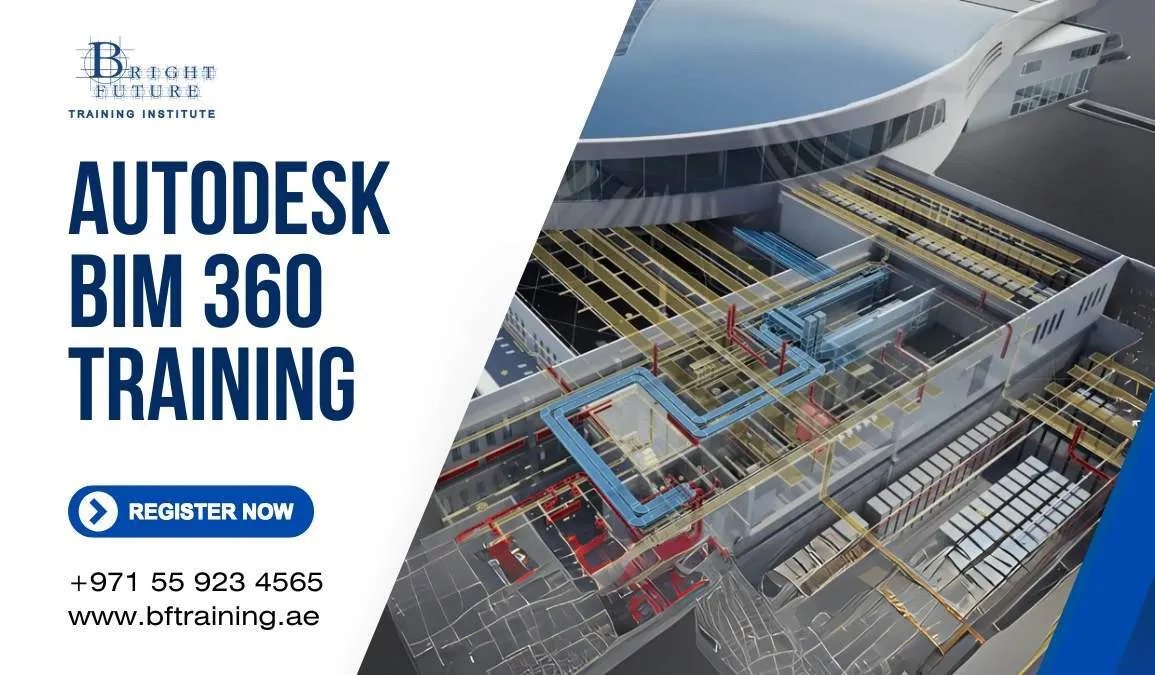
This course has been updated to reflect Autodesk’s current cloud construction platform. Autodesk states that BIM 360 has no planned retirement, but it no longer receives new features. Autodesk recommends starting new projects in Autodesk Forma, the platform previously known as Autodesk Construction Cloud.
Bright Future Training Institute therefore teaches current Forma workflows while retaining practical BIM 360 guidance for organisations that still operate existing projects. The exact modules available depend on the learner’s subscription and company tenant.
What You Will Learn
- Understand the relationship between Autodesk Forma, Autodesk Construction Cloud and BIM 360.
- Configure accounts, projects, companies, members, roles and permissions.
- Build a controlled folder structure and document-review workflow.
- Upload, publish, compare, review and distribute drawings and models.
- Coordinate Revit and other design information through cloud collaboration.
- Create, assign, track and close issues with supporting evidence.
- Use model coordination and clash-review workflows where licensed.
- Manage RFIs, submittals, forms, reports and field records where available.
- Apply naming, revision, approval and audit-trail practices.
- Plan an orderly transition from a legacy BIM 360 project.
Course Modules
Explore account structure, project activation, product access, user management and permission strategy. Learners practise least-privilege access and consistent project setup.
Autodesk Docs and Document Control
Create folders, upload files, manage versions, review changes, compare drawings, distribute information and maintain a clear common data environment.
Design Collaboration
Understand teams, packages, shared information and controlled model exchange. The module focuses on coordination discipline rather than uncontrolled file sharing.
Model Coordination and Issues
Aggregate supported models, review clashes, create issues, assign responsibility and monitor resolution. Availability depends on the project products and licences.
Construction and Field Workflows
Review RFIs, submittals, forms, checklists, photos and field issues. Learners build reports that support accountability and project handover.
BIM 360 Legacy Operations
Compare familiar BIM 360 modules with the current platform. Practise common document, coordination and field tasks without claiming that both interfaces are identical.
Who Should Attend
The programme suits BIM coordinators, architects, engineers, contractors, document controllers, project managers and administrators supporting cloud-based design or construction projects. Basic BIM knowledge is helpful but not mandatory.
Practical Project
Students configure a sample project, define access, upload controlled documents, review revisions, create issues and produce a coordination or field report. Corporate training can use an anonymised version of the organisation’s workflow.
Certificate
Successful learners receive a Bright Future Training Institute certificate of completion. This course does not include an Autodesk certification exam or imply Autodesk endorsement.
Frequently Asked Questions
Is BIM 360 discontinued?
Autodesk says there are no plans to retire the BIM 360 platform. However, it receives no new features, and Autodesk recommends new projects use Autodesk Forma.
What happened to Autodesk Construction Cloud?
Autodesk renamed Autodesk Construction Cloud to Autodesk Forma. Product names and entitlements can vary, so the trainer confirms your environment before class.
Can I learn only the system my company uses?
Yes. Private training can focus on your available modules, roles, permissions and document procedures.
Do I need Revit experience?
No. Revit knowledge helps with design-collaboration examples, but document controllers and project staff can learn the platform without modelling experience.