WordPress Theme Development Training FAQs
What will I learn in this course?
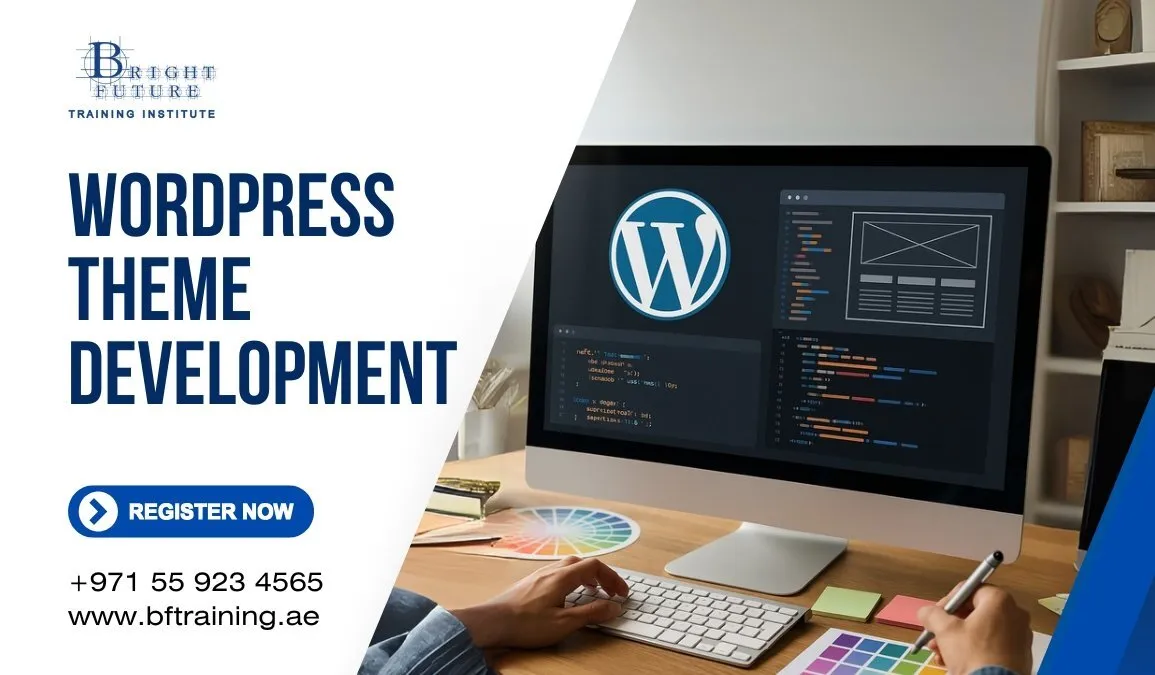
You’ll learn how to build WordPress themes from scratch, including template hierarchy, setting up functions.php, using hooks, customizing with CSS & JS, adding features like customizer support, responsive design, and preparing themes for deployment.
Do I need prior experience?
Yes. Basic understanding of HTML, CSS, JavaScript, and PHP is recommended. Familiarity with WordPress (e.g., editing themes, using the dashboard) will help you follow along more easily.
Expect instruction on setting up a local WordPress development environment (such as using Local by Flywheel, XAMPP, MAMP, or LAMP), plus tools like code editors (VS Code), browser developer tools, and version control (e.g., Git).
Will I learn best practices and standards?
Absolutely. The course will cover WordPress coding standards, accessibility, responsive design, performance optimization, security considerations, and ensuring your theme is translation-ready.
What kind of final outcome or project can I expect?
You’ll build a complete, custom WordPress theme by the end—ready to be used on a live site or submitted to theme marketplaces. The course may also guide you through using starter themes, child themes, or block-based (Gutenberg) theme development depending on scope.