Adobe Premiere Pro Training in Dubai — Bright Future Training Institute

IT Programs

Adobe Premiere Pro Training in Dubai

+971 54 373 3394
Autodesk, QAQC, Dubai, British Council and EC-Council

Career-focused training in Dubai

Adobe Premiere Pro Training in Dubai

Learn current Adobe Premiere Pro video editing, colour, audio, captions, multicamera and delivery workflows through practical projects in Dubai.

4.7/5 · Google Reviews15,561 students enrolled
FlexibleSchedule
Online &Classroom
ExpertTrainers
CourseCertificate
01

Course

Overview

Adobe Premiere Pro Training in Dubai

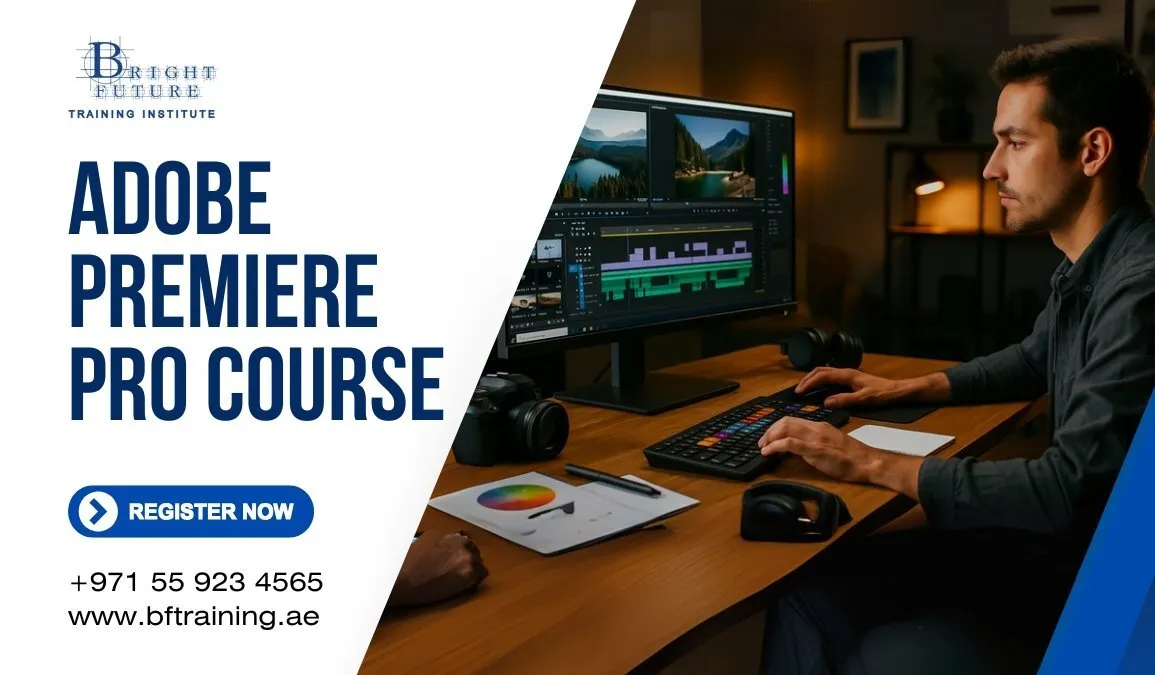
Learn modern video editing and post-production with the current Adobe Premiere Pro desktop workflow. This updated course replaces the old Creative Suite and CS6 references with practical Creative Cloud production methods used for social video, interviews, corporate content, YouTube, events and short films.

Students progress from media organisation and basic cuts to colour correction, audio mixing, captions, motion graphics, multicamera editing and reliable export. The trainer confirms the installed version before class because Adobe changes tools and interfaces over time.

What You Will Learn

  • Set up projects, sequences, scratch disks and media storage correctly.
  • Import, organise and label video, audio, graphics and still images.
  • Edit confidently with source, programme, timeline and trim tools.
  • Use proxies for smoother editing of high-resolution footage.
  • Apply transitions, speed changes, keyframes and basic effects with purpose.
  • Correct exposure and colour with Lumetri scopes and controls.
  • Clean dialogue, balance levels and build a clear audio mix.
  • Create titles, lower thirds, captions and reusable graphics.
  • Synchronise and edit multicamera footage.
  • Export suitable deliverables for web, social media and client review.

Course Modules

1. Project and Media Setup

Understand codecs, frame rates, resolution, aspect ratio and colour basics. Create an organised folder structure, import media and avoid offline-file problems.

2. Editing Fundamentals

Practise three-point editing, insert and overwrite edits, ripple and rolling trims, track targeting, markers, snapping and keyboard-driven workflows.

3. Motion, Effects and Time

Animate position, scale, opacity and effect properties with keyframes. Use speed ramps, stabilisation, masks and adjustment layers while keeping effects editable.

4. Colour and Audio

Read waveform, vectorscope and RGB parade displays. Correct shots, create visual consistency, repair dialogue, remove distracting noise where possible and mix music safely.

5. Graphics, Captions and Accessibility

Build titles and lower thirds, work with brand assets and create accurate captions. Learn practical readability and safe-area rules for desktop and mobile viewing.

6. Multicamera and Delivery

Synchronise camera angles, switch live in the timeline and refine the cut. Export master files and platform-ready versions with appropriate codecs and bitrates.

Practical Projects

Learners complete guided exercises and a final edit using supplied or authorised footage. A typical final project includes organised media, a structured edit, balanced sound, corrected colour, captions, graphics and two delivery formats.

Who Should Attend

This course suits beginners, content creators, marketing staff, photographers, social-media teams and working editors who need a structured current workflow. No previous Premiere Pro experience is required, but basic computer skills are essential.

Certificate

Learners who complete the required exercises receive a Bright Future Training Institute certificate of completion. This is not an Adobe professional certification or exam voucher.

Frequently Asked Questions

Is Adobe CS6 taught in this course?

No. CS6 is obsolete. Training uses a current supported Premiere Pro version available in the classroom or on the learner’s licensed system.

Do I need my own Adobe subscription?

Requirements depend on delivery mode. Admissions will confirm classroom access or the licence needed for online practice before enrolment.

Is the course suitable for beginners?

Yes. It begins with project setup and editing fundamentals, then moves into colour, audio, graphics and delivery.

Can the course focus on social-media video?

Yes. Private and corporate batches can emphasise vertical video, captioning, short-form pacing and reusable branded graphics.

02

Course

Curriculum

Adobe Premiere Pro Curriculum

Project and Media Setup

  • Current Premiere Pro interface and workspaces
  • Project, sequence, storage and scratch-disk setup
  • Resolution, frame rate, codecs and colour basics
  • Importing, labelling, bins, metadata and proxy workflows

Editing Fundamentals

  • Source and programme monitors
  • Insert, overwrite and three-point editing
  • Ripple, rolling, slip and slide trims
  • Track targeting, sync lock, markers and keyboard shortcuts

Effects and Motion

  • Transitions and effect controls
  • Keyframes, masks, adjustment layers and nesting
  • Speed changes, time remapping and stabilisation
  • Practical effect choices that support the story

Colour and Audio

  • Lumetri scopes, correction and shot matching
  • Dialogue editing, level balancing and noise reduction
  • Music, effects, automation and final audio checks

Graphics and Captions

  • Titles, lower thirds and reusable graphics
  • Brand assets and readability
  • Caption creation, correction and accessible delivery

Multicamera and Delivery

  • Synchronising and editing multicamera footage
  • Review, versioning and project handover
  • Master exports and platform-ready deliverables

Final Project

  • Complete an organised edit with colour, sound, graphics and captions
  • Export a master and at least one web or social-media version
03

Course

Instructor

Mr Hamza

Course instructor

Mr Hamza

Design, Digital Marketing and Development Trainer

Mr Hamza combines creative production, digital strategy, and development practice so learners can build useful campaigns, websites, and portfolio projects.

Training focus

  • Graphic design and Adobe production tools
  • Video editing and visual storytelling
  • Digital marketing, SEO and analytics
  • Web development and programming practice
04

Course

FAQs

Adobe Premiere Pro Training FAQs

Who should take this course?

It suits beginners, content creators, marketing teams, photographers and editors who want a structured current workflow.

Is Adobe CS6 taught?

No. CS6 is obsolete. The course uses a current supported Premiere Pro version available in the classroom or on your licensed computer.

What will I learn?

You will learn media organisation, timeline editing, proxies, effects, colour, audio, graphics, captions, multicamera work and delivery.

Do I need previous editing experience?

No. Basic computer skills are enough. The trainer starts with setup and core editing before moving into advanced workflows.

What computer or software is required?

Requirements depend on delivery mode. Admissions confirms classroom access or the current Adobe system and licence requirements before enrolment.

Which certificate will I receive?

You receive a Bright Future Training Institute certificate of completion. Adobe Certified Professional is a separate external assessment and is not included unless stated in writing.

05

Course

Location

Conveniently Located Adobe Premiere Pro Training in Dubai

Our main training centre is in Bur Dubai, near BurJuman Metro Station and accessible from across the city. Join us there for Adobe Premiere Pro Training, or contact admissions to ask about online options.

Our Bur Dubai Training Centre

Address:
Bright Future Training Institute
Suite 404, Fourth Floor, NBQ Building, Bank Street, Bur Dubai, Dubai, UAE

Located in the heart of Bur Dubai, our centre is near BurJuman Metro Station and served by public transport. If you plan to drive, check parking availability before your visit.

We Serve Students From All Dubai Areas

Students come from across Dubai for Adobe Premiere Pro Training. Our classroom training takes place in Bur Dubai; ask our admissions team about current schedules and remote-learning availability.

Adobe Premiere Pro Training near Umm Suqeim

Students from Umm Suqeim can reach our Bur Dubai centre by road or ask about online study options.

Adobe Premiere Pro Training near Dubai Marina

Dubai Marina learners can travel to our Bank Street centre or enquire about remote learning.

Adobe Premiere Pro Training near JVC

Learners in Jumeirah Village Circle can contact admissions for current class schedules and online options.

Adobe Premiere Pro Training near Downtown Dubai

Downtown Dubai professionals can ask about class times that fit around their workday.

Adobe Premiere Pro Training near Deira

Deira students can connect to Bur Dubai by metro or road to attend in-person classes.

Adobe Premiere Pro Training near Business Bay

Business Bay learners can contact us about the next available classroom or online batch.

Adobe Premiere Pro Training near Karama

Karama is close to our Bur Dubai training centre on Bank Street.

Adobe Premiere Pro Training near Sharjah

Sharjah residents can ask about suitable classroom schedules or online learning.

Adobe Premiere Pro Training near Jumeirah

Jumeirah students can visit our Bur Dubai centre or enquire about online options.

Download Course Brochure

Enter your details. Our admissions team will share the course brochure and current schedule.

Submitting opens WhatsApp with your enquiry ready to send.