MS Office Courses in Dubai
Join our MS Office courses in Dubai and master Excel, Word, PowerPoint, and Outlook. Ideal for beginners and professionals. Enroll today!

MS Office Courses in Dubai – Master Essential Productivity Tools
Microsoft Office remains one of the most widely used software suites in workplaces, educational institutions, and businesses worldwide. Whether you’re a student, job seeker, administrative professional, or someone looking to upgrade your digital skills, mastering MS Office applications can significantly boost your productivity, efficiency, and career prospects.
Our MS Office Courses in Dubai provide comprehensive training on key Microsoft Office tools, helping you work with confidence and proficiency in Word, Excel, PowerPoint, Outlook, and more — all essential applications for modern office environments.
Why Learn MS Office Skills?
Strong Microsoft Office skills are a necessity across industries such as finance, marketing, administration, human resources, education, and IT. These tools help you:
-
Create professional documents and reports
-
Efficiently organize data and perform calculations
-
Prepare compelling presentations
-
Manage email communication and scheduling
-
Analyze information to support decision‑making
Whether you’re entering the workforce or aiming for career advancement, MS Office certifications and practical skills make you a valuable asset to employers.
MS Office Courses Offered in Dubai
We offer a range of MS Office training options — from beginner to advanced levels — designed to strengthen your skills across applications that are essential in every professional workspace.
Microsoft Word Course
Microsoft Word is the industry standard for document preparation. In this course, you’ll learn:
-
Creating, formatting, and editing professional documents
-
Using styles, templates, and tables
-
Inserting images, charts, and SmartArt
-
Page layout, headers/footers, and printing options
-
Mail merge and document review
This training equips you to master all aspects of Word for business and academic use.
Excel Training
Microsoft Excel is a powerful tool for data management, calculations, budgeting, reporting, and analytics. This course covers:
-
Basic spreadsheet creation and navigation
-
Formulas, functions, and cell formatting
-
Sorting, filtering, and data validation
-
PivotTables and PivotCharts
-
Data analysis with functions and charts
Excel skills are particularly valuable in finance, operations, HR analytics, and project management roles.
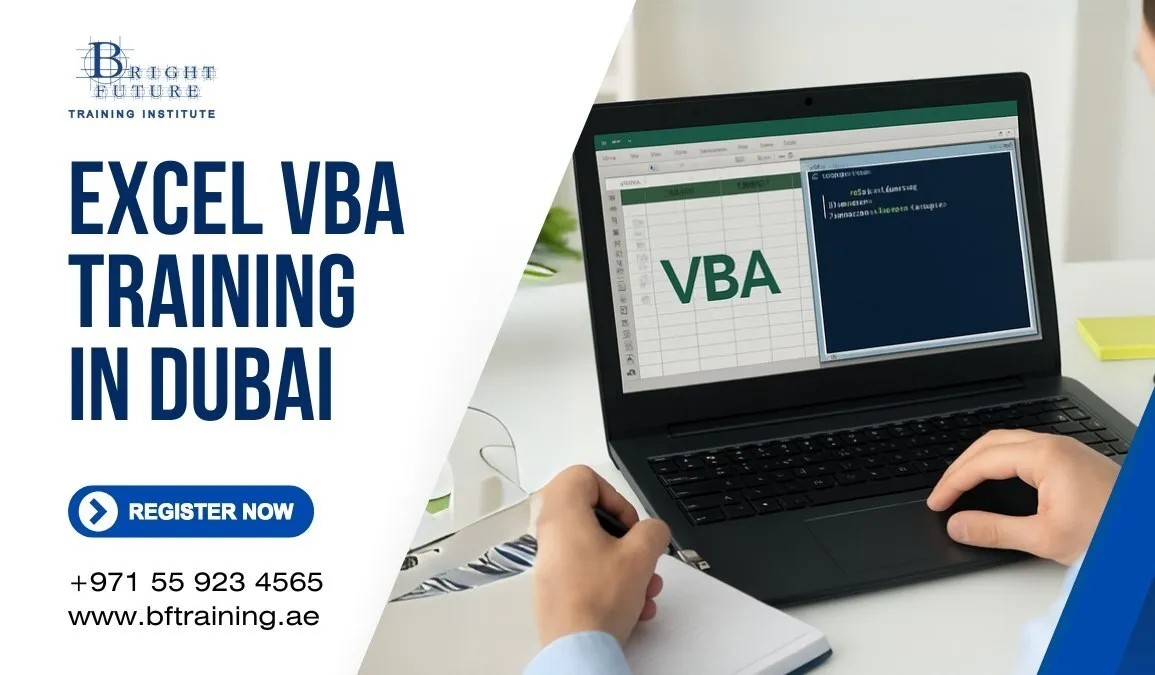
Excel VBA Training
For those who want to automate tasks and build advanced solutions, Excel VBA (Visual Basic for Applications) adds programming capabilities to Excel. You’ll learn:
-
Macro recording and editing
-
VBA fundamentals and object models
-
Writing reusable code and automating workflows
-
Debugging and error handling
-
Building personalized applications in Excel
This advanced training prepares you to save time and automate complex processes.
MS Outlook Course
Outlook is a critical tool for professional communication and organization. This course focuses on:
-
Managing email messages and folders
-
Using calendars and scheduling meetings
-
Contacts and tasks
-
Email organization and rules setup
-
Collaboration with shared mailboxes
Effective use of Outlook helps improve communication and time management.
Microsoft Access Training
Microsoft Access provides database solutions for organizing large sets of information. Training includes:
-
Creating and managing databases
-
Tables, queries, forms, and reports
-
Relational database design
-
Data validation and indexing
-
Building professional database applications
Access skills are beneficial for administrative, data entry, and office management roles.
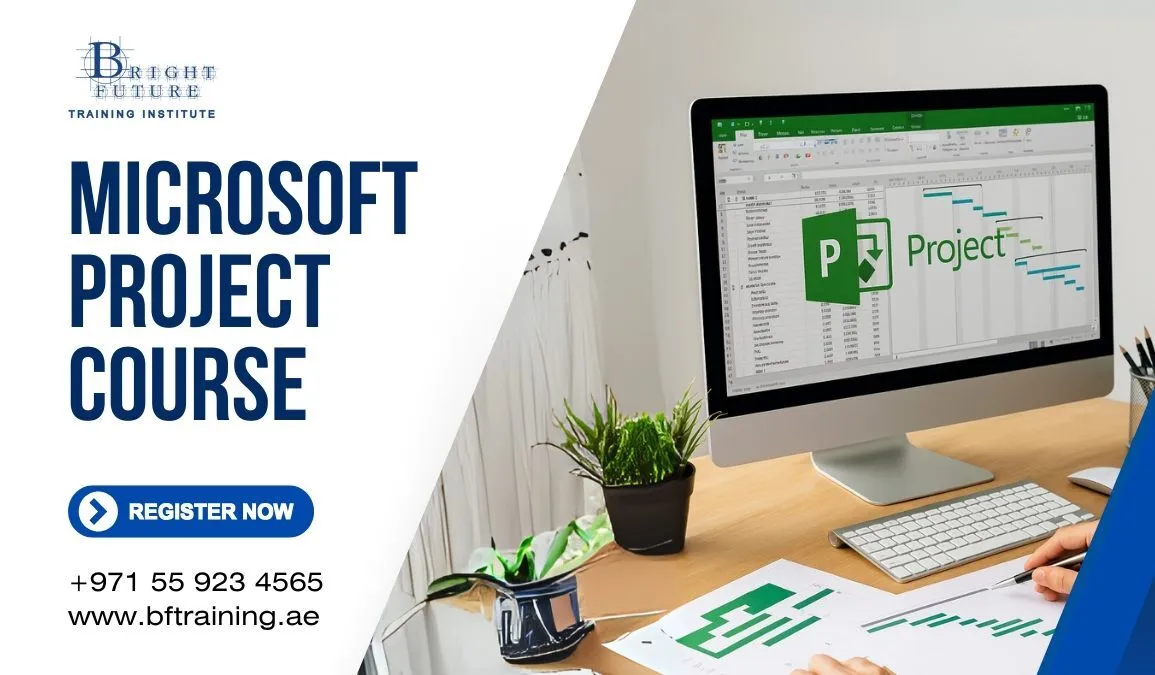
MS Project Course
MS Project is a powerful project planning and tracking tool. This course focuses on:
-
Project setup and scheduling
-
Task breakdown and dependencies
-
Resource allocation
-
Gantt chart usage and critical path
-
Project tracking and reporting
This training is ideal for aspiring project coordinators, managers, and team leaders.
Who Should Enroll in MS Office Training?
These courses are suitable for:
-
Job seekers preparing for professional roles
-
Students and graduates enhancing employability
-
Administrative professionals and office coordinators
-
Data analysts and future project managers
-
Anyone who wants to use MS Office tools confidently
No prior expertise is required for beginner‑level training, while advanced modules provide deeper skills for professional growth.
Benefits of MS Office Skills
-
Enhanced Productivity: Work faster and more accurately with essential tools
-
Professional Confidence: Perform tasks independently and proficiently
-
Career Advancement: Add valued skills to your resume
-
Versatile Applications: Useful across departments and job roles
-
Certification Readiness: Prepare for official MS Office certification exams
MS Office proficiency is a fundamental career skill that applies to almost every professional path.
Boost Your Office Productivity Skills
Gain practical, hands‑on training in Microsoft Office applications and become more efficient and confident in your daily work tasks. Book Free Demo Session
Choosing the Right Microsoft Office Course
Office training covers several programs, so it is worth choosing by the work you do every day. MS Office Training is the general course for Word, Excel, PowerPoint and Outlook, and it suits job seekers, students and office staff who need all the main applications. If most of your day is spreadsheets, a dedicated course such as Microsoft Excel or Advanced Excel is a better fit. Excel VBA Training comes after that, for people who want to automate repeating tasks with macros.
For project planning, the Microsoft Project course covers schedules, tasks and resources. Separate courses are also available for Word, Outlook and Access, and Power BI is the next step for people who want dashboards and reports from their data.
A Suggested Order
- Start with MS Office Training if you are new to the suite.
- Add Excel or Advanced Excel if your role involves numbers.
- Move to VBA or Power BI when you want to automate or visualise.
Batch dates, fees and certificate details are confirmed by the admissions team. You can request a free demo session on WhatsApp.
Frequently Asked Questions
Which MS Office course should a complete beginner take?
MS Office Training is the usual start, since it covers the main applications together.
Should I take Excel or Advanced Excel?
If you are still learning formulas and basic formatting, take Excel. Take Advanced Excel once you are comfortable with the basics and want PivotTables, deeper functions and analysis.
Do I need Excel skills before learning VBA?
Yes. VBA code works on workbooks, sheets and cells, so a working knowledge of formulas and ranges makes it much easier.
What is Microsoft Access used for?
Access is used to build small databases with tables, queries, forms and reports. It is useful for office roles that handle large lists of records.
Is Power BI part of MS Office?
Power BI is a separate Microsoft tool for dashboards and reports, but it works well with Excel data, so many learners take it after Excel.
Can I choose only the applications I need?
Yes. Individual courses are available for Excel, Word, Outlook, Access and Project, and the admissions team can help you choose.
Build Your Skills With Expert-Led Training
Choose the right course for your goals and learn with experienced instructors in Dubai.
Book Free Demo Session