WordPress Course in Dubai
Take your web development skills to the next level with our WordPress course in Dubai led by experienced instructors. Enroll now

WordPress Course in Dubai – Master Website Building & Development
Whether you’re a complete beginner or an aspiring web professional, mastering WordPress is one of the most valuable digital skills you can have. WordPress powers a huge portion of websites globally — from simple blogs and portfolios to full-featured business and e-commerce sites. Learning how to build, manage, customize, and optimize WordPress sites equips you with practical skills employers and clients demand.
Our WordPress Course in Dubai offers a structured path that covers everything from the fundamentals of content management to advanced theme and plugin development — empowering you to create professional, responsive, and secure websites.
Courses You Can Enroll In
We offer a range of WordPress training options to match your goals and experience level:
1. WordPress Fundamentals Training
This beginner-friendly course covers the essentials of using WordPress as a content management system (CMS). You’ll learn how to:
-
Install WordPress and configure basic settings
-
Navigate the WordPress dashboard
-
Create and manage pages, posts, menus, and media
-
Use themes, widgets, and basic plugins
-
Customize content without coding
Perfect for entrepreneurs, bloggers, content creators, and anyone who wants to build websites quickly and confidently.
2. WordPress Website Development Course
Take your skills further and build fully functional websites. This course teaches you:
-
Choosing domains and hosting
-
Installing & configuring WordPress on a live server
-
Working with page builders like Elementor
-
Optimizing site performance & SEO basics
-
Website navigation and user experience essentials
This option is great for web designers, digital marketers, and small business owners who want control over their online presence.
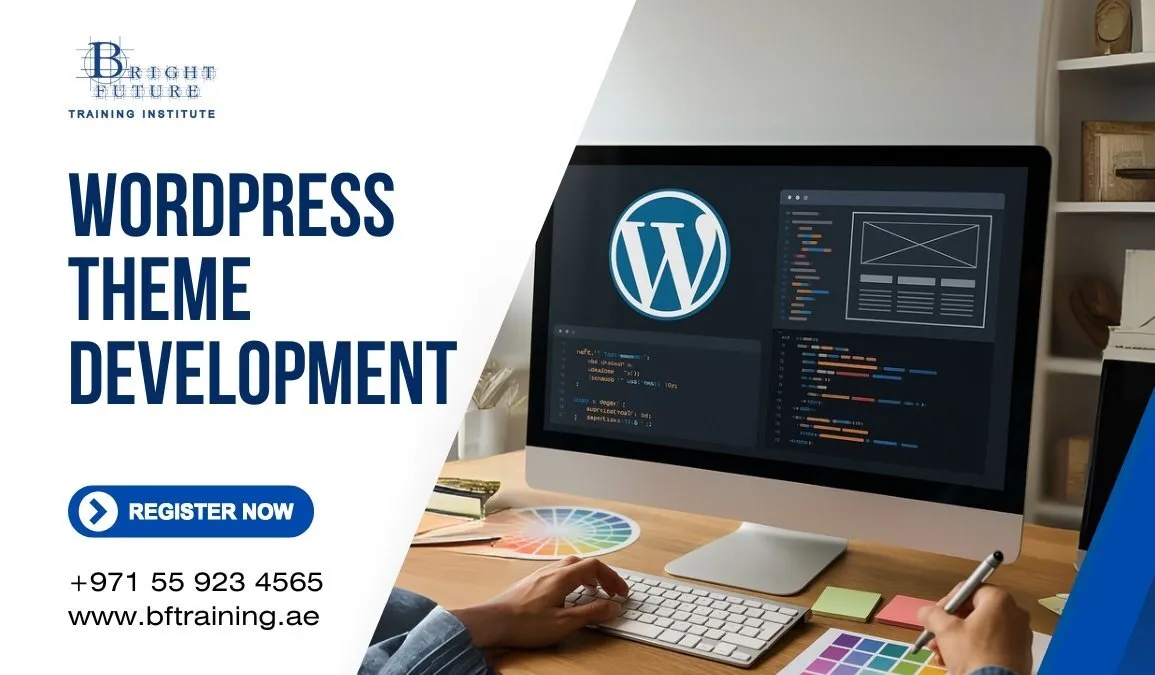
3. WordPress Theme Customization Training
Themes define the look and feel of a site. In this course, you learn how to:
-
Select, install, and customize professional themes
-
Understand theme settings and options
-
Adjust layouts, colors, typography, and branding
-
Create child themes for safe updates
-
Ensure responsive design across devices
Design students and freelance creatives benefit especially from this hands-on design focus.
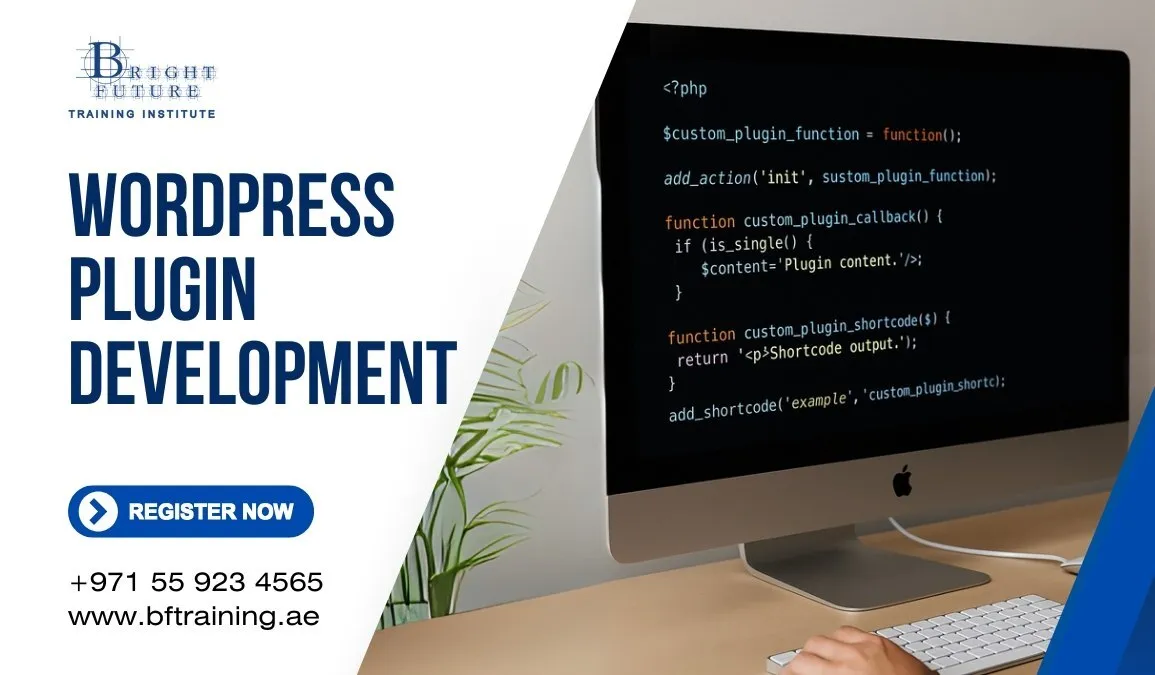
4. WordPress Plugin Development Course
Want to go beyond the basics? This advanced course helps you:
-
Understand how plugins extend WordPress functionality
-
Install, activate, and configure powerful plugins
-
Work with essential plugins for security, speed & SEO
-
Learn basic PHP to modify or build custom plugins
-
Manage plugin updates and compatibility
Ideal for aspiring developers, programmers, and tech professionals looking to expand WordPress functionality with custom solutions.
Who Should Join the WordPress Training?
This course is built for a wide range of learners:
-
Beginners with no prior web experience
-
Students and fresh graduates entering tech careers
-
Freelancers seeking client work in websites
-
Digital marketers managing brand sites
-
Business owners creating and updating their own site
-
Web designers & developers polishing their portfolio
No coding experience is required for the basic track — but advanced options help you grow from beginner to professional developer.
Career Opportunities After Training
Completing this course opens doors to roles such as:
-
WordPress Developer
-
Web Designer
-
CMS Specialist
-
Freelance Website Creator
-
Digital Content Manager
-
UI/UX Support and Website Administrator
With growing online business demand, WordPress professionals are well-positioned for remote work, freelancing, and hybrid full-time careers.
Why This WordPress Training Works
-
Hands-on building of real websites
-
Step-by-step lessons from basics to advanced
-
Practical projects you can showcase
-
Flexible batches to suit working learners
-
Skills applicable to business, freelancing, and jobs
This comprehensive training gives you a strong foundation and real confidence to deploy, manage, and customize WordPress sites professionally.
Build Beautiful Websites With WordPress
Gain practical skills in WordPress setup, customization, and development and start building professional websites. Book Free Demo Session
Choosing Your WordPress Learning Path
WordPress training covers a wide range, from posting content to writing PHP. The easiest way to choose is to ask what you want to deliver at the end. If you want to run a site, start with WordPress Training. If you want to change how a site looks and behaves at template level, look at WordPress Theme Development. If you want to add features that do not exist yet, WordPress Plugin Development is the relevant course.
How the Three Courses Differ
- WordPress Training: installing WordPress, managing pages, posts, menus and media, working with themes and plugins. No coding needed.
- Theme Development: how a theme is structured, templates, the loop and customisation. Some HTML and CSS knowledge helps.
- Plugin Development: extending WordPress with custom code. Basic PHP knowledge is useful.
Skills to Build First
If you are new to websites, learn the basics of how a page is built and how domains and hosting work before moving to development. Our programming courses can help if you want a stronger coding base, and a digital marketing course pairs well with WordPress for anyone who manages a business website.
Batch schedules, fees and certificate details are confirmed by the admissions team. You can ask about a free demo session on WhatsApp.
Frequently Asked Questions
Can I learn WordPress without knowing how to code?
Yes. Managing a site, choosing a theme and adding plugins needs no coding. Coding becomes useful only when you move to theme or plugin development.
Which WordPress course should I start with?
Start with the core WordPress Training course. It gives you the dashboard, content and plugin basics that the development courses assume.
What is the difference between a theme and a plugin?
A theme controls how the site looks and how pages are laid out. A plugin adds functions, such as contact forms, security or online payments.
Do I need to know PHP for plugin development?
Basic PHP is needed to write custom plugins, because WordPress is built on it. HTML and CSS are also useful for theme work.
Will I build a real website during the course?
The course content describes hands-on website building. The admissions team can explain what the project work looks like in your batch.
Can freelancers use WordPress skills to find clients?
Many freelancers build and maintain client sites with WordPress. How much work you find depends on your portfolio and your own marketing.
Build Your Skills With Expert-Led Training
Choose the right course for your goals and learn with experienced instructors in Dubai.
Book Free Demo Session