SolidWorks Training in Dubai — Bright Future Training Institute

Engineering Courses

SolidWorks Training in Dubai

+971 54 373 3394
Autodesk, QAQC, Dubai, British Council and EC-Council

Career-focused training in Dubai

SolidWorks Training in Dubai

Enroll in SolidWorks Training in Dubai and master 3D design, modeling & simulation. Learn from expert instructors with real project experience.

4.7/5 · Google Reviews15,561 students enrolled
FlexibleSchedule
Online &Classroom
ExpertTrainers
CourseCertificate
01

Course

Overview

SolidWorks Training in Dubai | Expert 3D Design & Modeling Course

Our SolidWorks Training in Dubai is designed to equip students and professionals with complete 3D modeling, design, and simulation skills.
This hands-on program covers every stage of the design process — from sketching and part modeling to assembly, drawing, and rendering.

You’ll work on real-world projects and learn to create precise mechanical designs used in engineering, manufacturing, and product development.
With guidance from industry-experienced instructors, you’ll gain the technical and creative skills required to excel as a professional SolidWorks designer.

By the end of the course, you’ll be confident in using SolidWorks for both academic and professional projects — and earn a KHDA-approved certification to enhance your career.

Course Highlights

  • KHDA-approved SolidWorks Training Course

  • Hands-on practice with real-world design projects

  • Learn 3D modeling, simulation, and product rendering

  • Expert instructors with industry experience

  • Flexible weekday, weekend & evening batches

  • Certificate upon course completion

Who Should Enroll in Solidworks Training in Dubai

This course is perfect for:

  • Mechanical, civil, or industrial engineers

  • Students pursuing technical or engineering degrees

  • Designers & drafters seeking professional SolidWorks certification

  • Professionals in manufacturing or product design

  • Freelancers or entrepreneurs offering 3D design services

No prior experience required – beginners and professionals are both welcome.

Career Opportunities

Completing the SolidWorks Training in Dubai can open doors to a wide range of professional opportunities, including:

Career Roles:

  • CAD Designer / CAD Engineer

  • Mechanical Design Engineer

  • Product Development Engineer

  • Manufacturing Engineer

  • 3D Modeling Specialist

  • Industrial Designer

Why Choose Bright Future Training Institute

At Bright Future, we combine expert instruction, practical training, and recognized certification to give you the competitive edge in your career.

  • KHDA-approved and industry-recognized course

  • Expert trainers with hands-on industry experience

  • Real-world project-based learning

  • Flexible schedules for working professionals

  • Job assistance and portfolio development support

  • Affordable fees with high-quality instruction

Why Learn SolidWorks in Dubai

Dubai has a large base of construction, fit-out, manufacturing, marine, automotive and product design businesses, and many of them still need parts, assemblies and drawings produced in 3D before anything is built. SolidWorks is a widely used parametric CAD tool for this kind of work. Parametric means you change a dimension and the model, assembly and drawing update with it, which saves a lot of rework on real projects.

Skills You Will Build

  • Navigate the interface and set up templates that suit your work.
  • Sketch with constraints and dimensions so designs stay controlled when they change.
  • Model parts using extrude, revolve, sweep and loft, and manage variants with configurations and design tables.
  • Build assemblies with mates and check for interference between components.
  • Produce 2D drawings with dimensions, tolerances, exploded views and a bill of materials.
  • Work with sheet metal, surfaces and weldments, and run basic simulation.
  • Create renders for presentations and finish with a full product assembly project.

Career Paths

CAD designer, mechanical design engineer, product development engineer, manufacturing engineer, 3D modeling specialist and industrial designer are the roles listed on this page. A portfolio project from the course gives you something concrete to show at interviews.

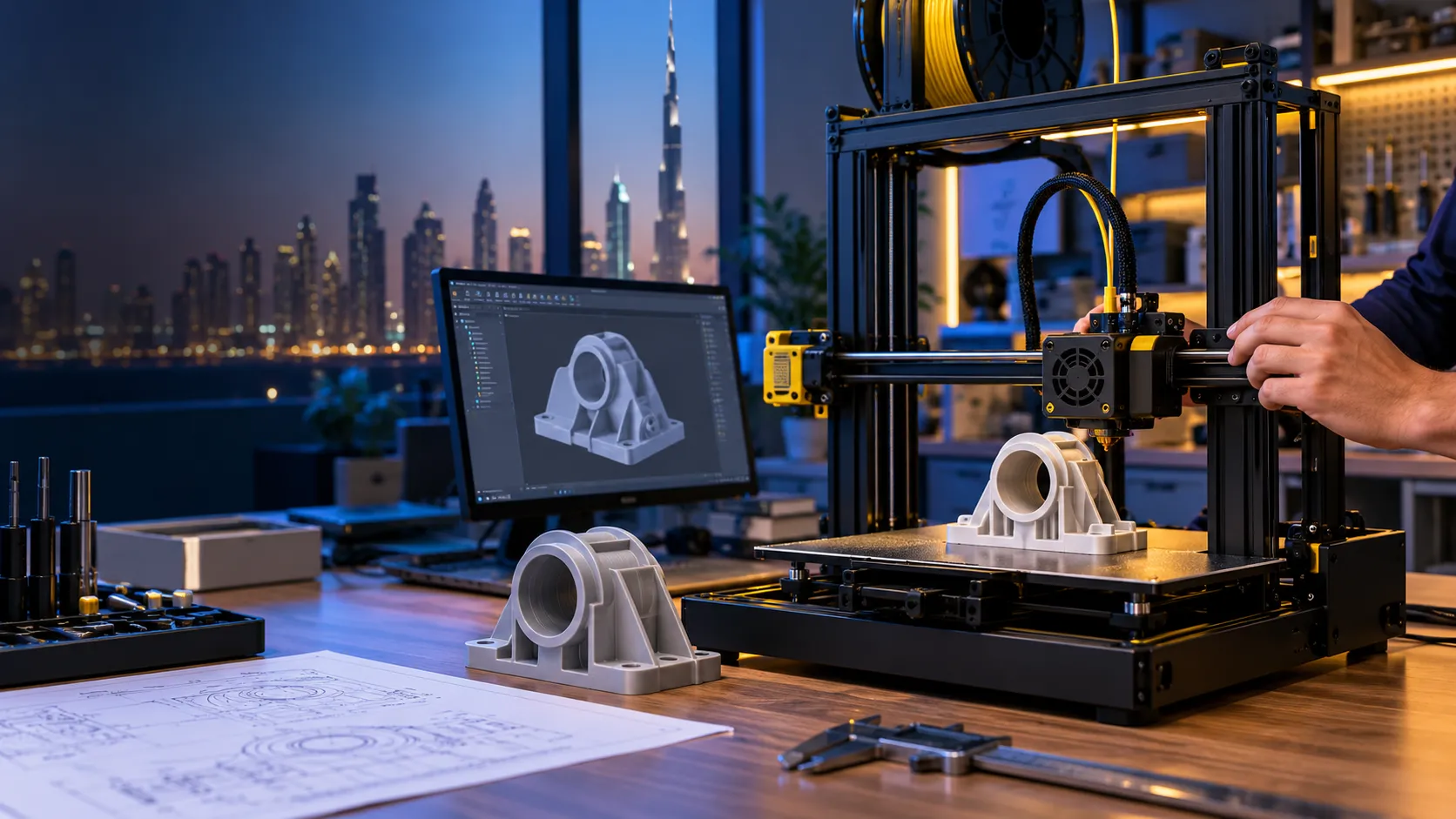
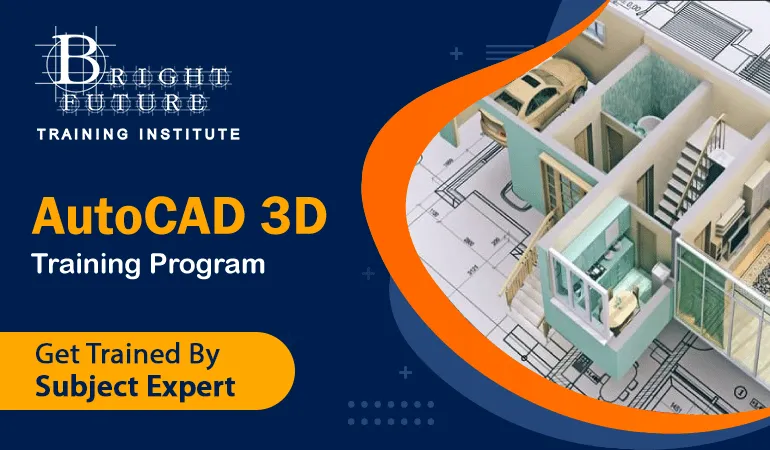
If you work mostly in 2D drafting, see AutoCAD 2D and the AutoCAD 3D course. Other mechanical design tools are taught in Autodesk Inventor and CATIA, and prototyping is covered in 3D Printing and Additive Manufacturing.

Software versions, batch dates, fees and certificate details are confirmed by the admissions team on +971 54 373 3394. Classroom and live online delivery are available depending on the batch, and a free demo session can be arranged.

02

Course

Curriculum

Course Content / What You’ll Learn

  1. Introduction to SolidWorks Interface

    • Understanding tools, menus, and workspace setup

    • Customizing toolbars & templates

  2. Sketching Basics

    • 2D sketching tools & constraints

    • Dimensions, relations, and parametric control

  3. Part Modeling

    • Creating 3D features: extrude, revolve, sweep, loft

    • Editing and modifying parts

    • Using design tables and configurations

  4. Assembly Modeling

    • Creating assemblies and subassemblies

    • Applying mates and constraints

    • Managing components and interference detection

  5. Engineering Drawings

    • Generating 2D drawings from 3D models

    • Adding dimensions, tolerances, and annotations

    • Creating exploded views and bill of materials (BOM)

  6. Surface & Sheet Metal Design

    • Creating and editing complex surfaces

    • Working with sheet metal components and flat patterns

  7. Weldments & Structural Design

    • Creating frames, joints, and structural members

    • Cut list creation and material properties

  8. Simulation & Analysis

    • Performing stress, strain & motion analysis

    • Understanding material behavior under loads

  9. Rendering & Visualization

    • Applying materials, textures & lighting

    • Creating photo-realistic renders for presentations

  10. Project & Certification

  • Final project: design a complete product assembly

  • Review & evaluation by the instructor

  • Receive a KHDA-approved certificate

03

Course

Instructor

Mr Obdha

Course instructor

Mr Obdha

Engineering Design and BIM Trainer

Mr Obdha focuses on applied engineering design, coordinated BIM workflows, technical documentation, and project-based software practice.

Training focus

  • CAD and BIM project workflows
  • AutoCAD and Autodesk platforms
  • Revit Architecture, Structure and MEP
  • Engineering documentation and coordination
04

Course

FAQs

SolidWorks Training FAQs

Do I need prior design experience to join the SolidWorks course?

No, the course starts from basic design principles, making it suitable for beginners and professionals alike.

Is the course KHDA-approved?

Yes, the SolidWorks Training Course is KHDA-approved and recognized across Dubai and the UAE.

Will I receive a certificate after completing the course?

Yes, upon successful completion, you’ll receive a KHDA-approved certificate.

What software version will be used during training?

We use the latest licensed version of SolidWorks for all training modules.

Are there online classes available?

Yes, we offer both online and in-person training options for your convenience.

What career benefits can I expect?

You’ll gain in-demand 3D design and modeling skills that enhance employability in engineering, design, and manufacturing sectors.

Is SolidWorks only for mechanical engineers?

No. It is used by mechanical, industrial and product designers, and also by civil engineers, drafters and freelancers who need accurate 3D models and drawings.

What is the difference between SolidWorks and AutoCAD?

AutoCAD is mainly used for 2D drafting and general drawing, while SolidWorks is built around parametric 3D parts and assemblies with drawings generated from the model. Many designers learn both, see AutoCAD.

Will I build a complete design during the course?

Yes. The course ends with a project where you design a full product assembly, and the instructor reviews it with you.

Does the course cover simulation and rendering?

Yes. The curriculum includes stress, strain and motion analysis basics, and applying materials, textures and lighting to create renders.

What computer do I need for online classes?

SolidWorks is demanding on hardware, so ask the admissions team about system requirements before joining an online batch.

05

Course

Location

Conveniently Located SolidWorks Training in Dubai

Our main training centre is in Bur Dubai, near BurJuman Metro Station and accessible from across the city. Join us there for SolidWorks Training, or contact admissions to ask about online options.

Our Bur Dubai Training Centre

Address:
Bright Future Training Institute
Suite 404, Fourth Floor, NBQ Building, Bank Street, Bur Dubai, Dubai, UAE

Located in the heart of Bur Dubai, our centre is near BurJuman Metro Station and served by public transport. If you plan to drive, check parking availability before your visit.

We Serve Students From All Dubai Areas

Students come from across Dubai for SolidWorks Training. Our classroom training takes place in Bur Dubai; ask our admissions team about current schedules and remote-learning availability.

SolidWorks Training near Umm Suqeim

Students from Umm Suqeim can reach our Bur Dubai centre by road or ask about online study options.

SolidWorks Training near Dubai Marina

Dubai Marina learners can travel to our Bank Street centre or enquire about remote learning.

SolidWorks Training near JVC

Learners in Jumeirah Village Circle can contact admissions for current class schedules and online options.

SolidWorks Training near Downtown Dubai

Downtown Dubai professionals can ask about class times that fit around their workday.

SolidWorks Training near Deira

Deira students can connect to Bur Dubai by metro or road to attend in-person classes.

SolidWorks Training near Business Bay

Business Bay learners can contact us about the next available classroom or online batch.

SolidWorks Training near Karama

Karama is close to our Bur Dubai training centre on Bank Street.

SolidWorks Training near Sharjah

Sharjah residents can ask about suitable classroom schedules or online learning.

SolidWorks Training near Jumeirah

Jumeirah students can visit our Bur Dubai centre or enquire about online options.

Download Course Brochure

Enter your details. Our admissions team will share the course brochure and current schedule.

Submitting opens WhatsApp with your enquiry ready to send.